
Subscribe to pages
As a logged-in staff, you can subscribe to pages on the Staff Portal.
If you are logged in to the Staff Portal, you can subscribe to individual pages. You will then receive an email when the page is updated with a link to the page, not the actual update itself.
The editor of the page chooses whether or not to send an email – so if they have only corrected a spelling mistake or made a minor update to the page, you will probably not receive an email.
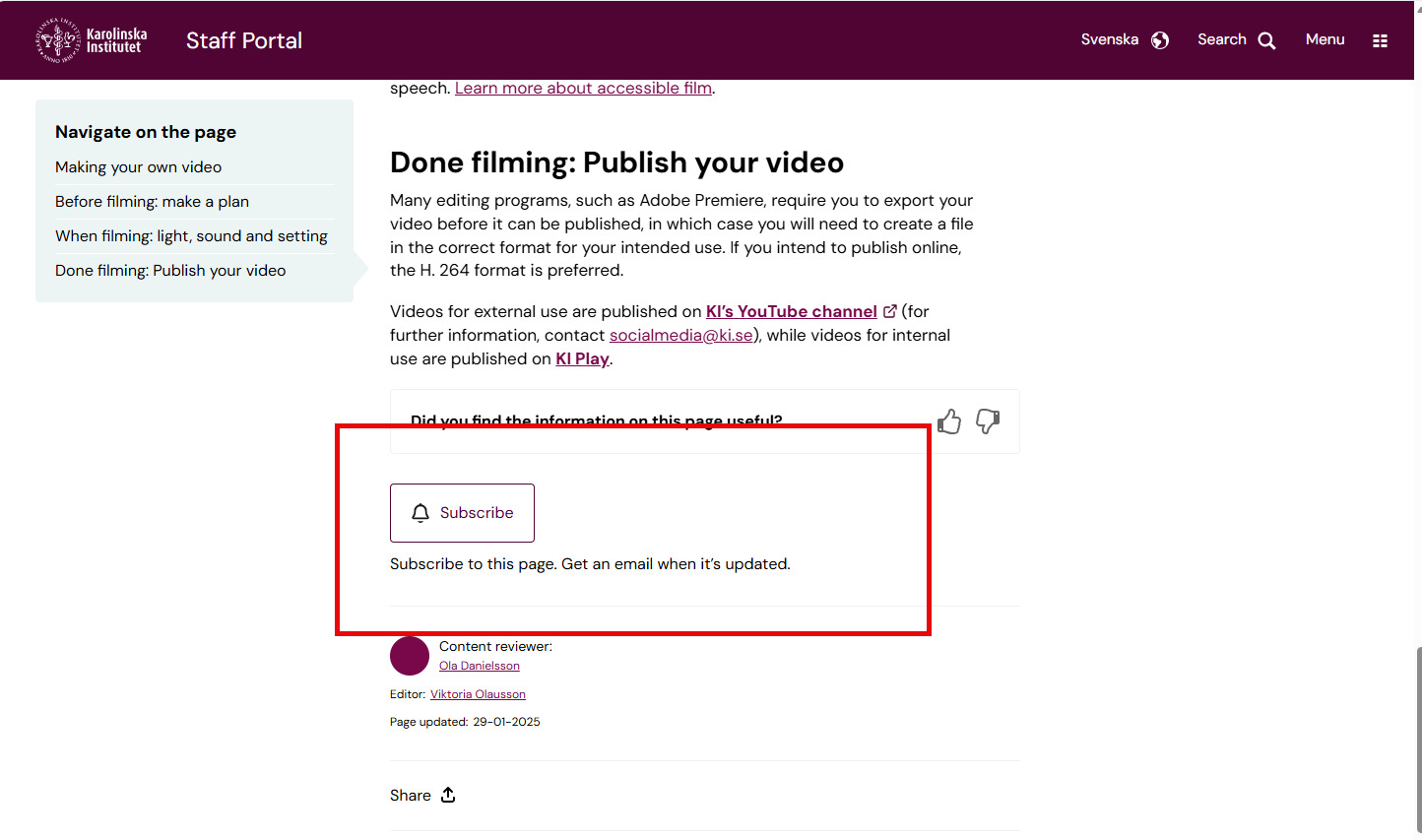
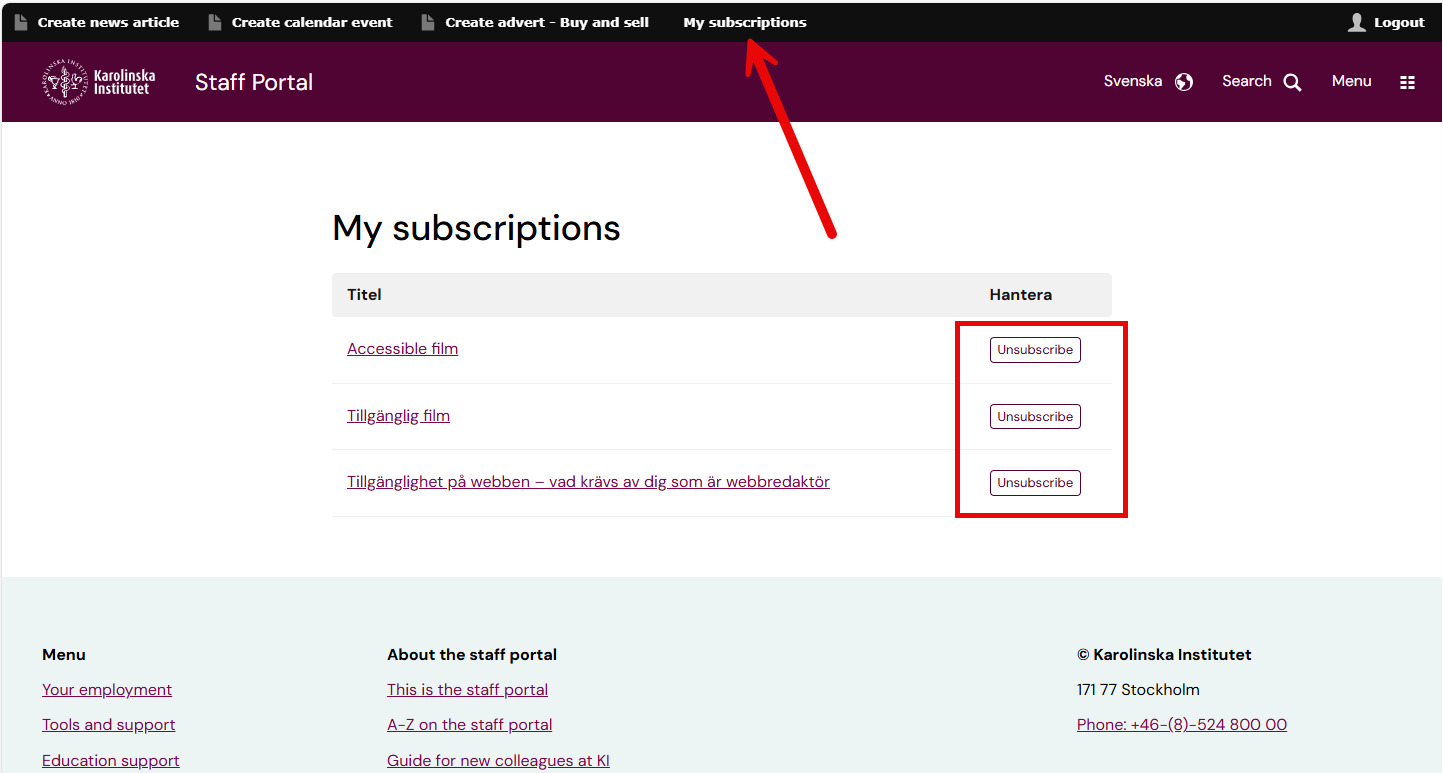
To subscribe to a page, scroll to the bottom and click on the Subscribe button. You can see which pages you subscribe to in My subscriptions. The link is in the black bar when you are logged in to the Staff Portal. Here you can also unsubscribe from pages. You can also do this on the page itself when you are logged in.
If you don't receive any emails - please check your spam folder.